Why Does My Phone Battery Drain So Fast? 7 Proven Fixes
Why does my phone battery drain so fast was the question I kept asking myself after noticing my phone going from 80% to 20% in just a few hours, despite barely touching it most of the day. It turns out this is one of the most common smartphone complaints, and in most cases, the cause isn’t a dying battery at all — it’s something running in the background that most people never think to check.
Here’s what’s actually draining it, and how to fix each cause.
Background Apps Refreshing Constantly
This is, by far, the most common reason why does my phone battery drain so fast. Many apps continue refreshing content, checking for notifications, and syncing data even when you’re not actively using them. Social media apps, news apps, and email clients are frequent offenders, quietly consuming battery in the background throughout the day.
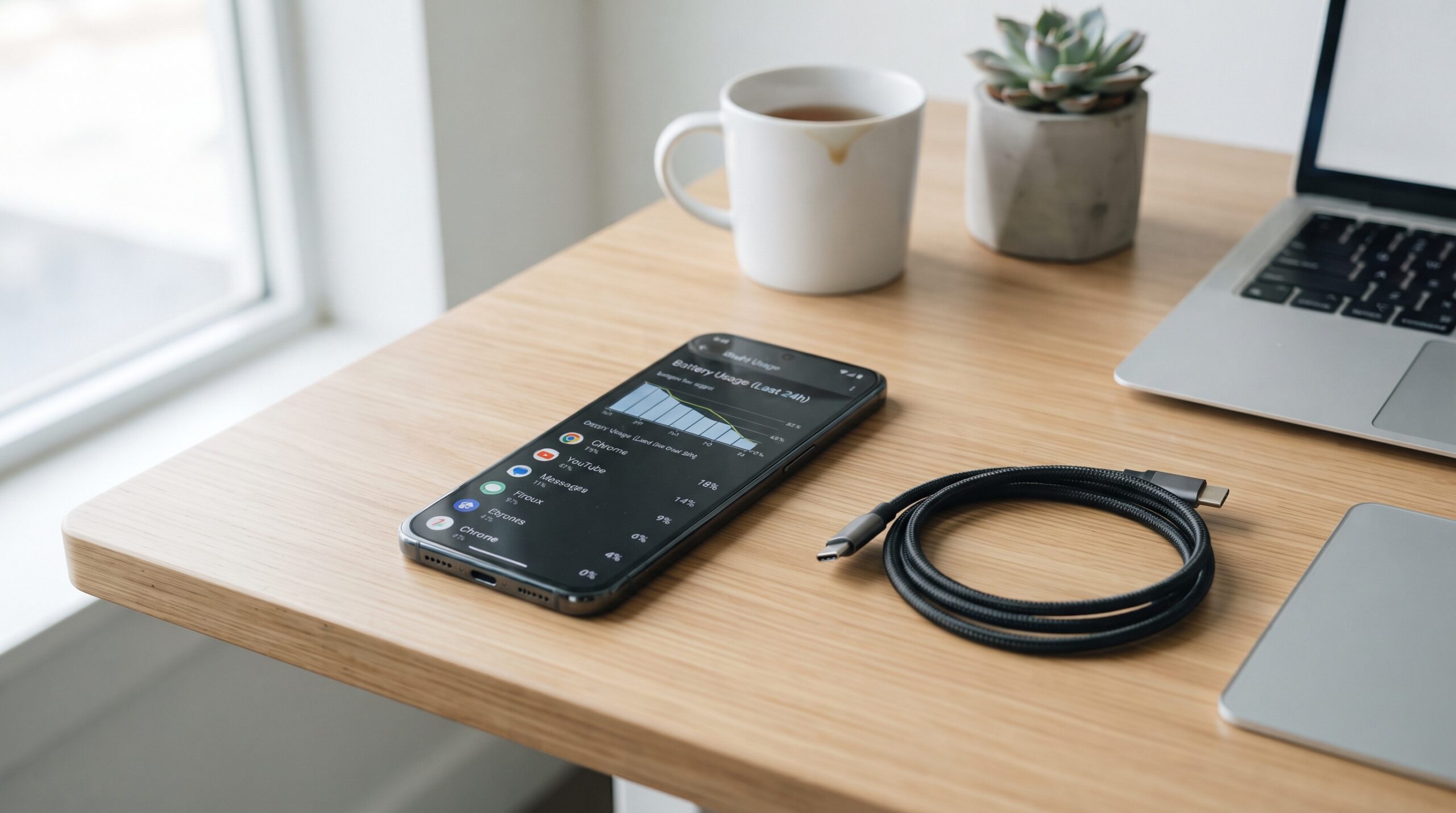
Fix: Check your phone’s battery usage settings (found under Settings on both iPhone and Android) to see exactly which apps are consuming the most power, then disable background refresh for apps you don’t need updating constantly.
Screen Brightness Set Too High
The display is typically the single biggest battery consumer on any smartphone. Keeping brightness at maximum, especially with auto-brightness disabled, significantly accelerates battery drain throughout the day.
Fix: Enable auto-brightness, which adjusts the screen based on ambient lighting, or manually lower brightness to a comfortable but conservative level, particularly when indoors.
Location Services Running Constantly
Why does my phone battery drain so fast often comes down to apps tracking your location more frequently than necessary. GPS and location tracking are power-intensive processes, and many apps request “always” location access even when they only need it occasionally.
Fix: Review location permissions for each app and switch unnecessary ones to “while using the app” rather than “always,” which significantly reduces background location tracking.
Push Notifications From Too Many Apps
Every notification wakes up your phone’s processor and screen briefly, and when dozens of apps are sending frequent notifications throughout the day, this adds up to meaningful battery drain over time.
Fix: Go through your notification settings and disable alerts for apps where real-time updates genuinely don’t matter, keeping notifications only for apps where immediacy is actually important.
An Aging Battery Losing Capacity
Smartphone batteries naturally degrade over time, typically losing noticeable capacity after 2-3 years of regular daily charging cycles. If your phone is within that age range and battery drain has gradually worsened rather than appearing suddenly, battery aging is a likely contributing factor.
What to check: Both iPhone and Android devices let you check battery health percentage in settings — a health reading significantly below 85-90% suggests the battery itself has degraded meaningfully.
This same kind of gradual performance decline is worth understanding more broadly — our guide on what is MagazinePanda.com explains how we cover these everyday technology topics in depth.
Weak Signal Forcing Higher Power Usage
When your phone struggles to maintain a strong cellular or Wi-Fi signal, it automatically increases power usage trying to maintain connectivity. This is a lesser-known reason why does my phone battery drain so fast, particularly in areas with poor coverage or when switching frequently between Wi-Fi and cellular data.
Fix: Enabling airplane mode temporarily in genuinely low-signal areas, or switching to Wi-Fi when possible, reduces this extra power draw.
Outdated Software Running Inefficiently
Operating system updates often include battery optimization improvements, and running outdated software can mean missing out on these efficiency fixes, sometimes leading to apps behaving less efficiently than intended.
Fix: Keep your phone’s operating system updated to the latest stable version, since manufacturers regularly address battery-related bugs through these updates.
For official battery optimization guidance, Apple’s support page provides detailed recommendations for maximizing battery health.
Quick Diagnostic Order
- Check battery usage settings to identify the biggest drains
- Adjust screen brightness and enable auto-brightness
- Review and limit unnecessary location permissions
- Disable notifications for non-essential apps
- Check battery health percentage if the phone is 2+ years old
- Ensure software is updated to the latest version
Working through this list in order resolves why does my phone battery drain so fast for the vast majority of smartphone users without needing a battery replacement.
Final Thoughts
Why does my phone battery drain so fast almost always comes down to background processes quietly consuming power rather than a fundamentally broken battery. Checking your battery usage settings first is the fastest way to identify the actual culprit, since it points directly at which specific apps or features are responsible.
FAQs
Q: Is it normal for phone batteries to drain faster over time?
Yes, lithium-ion batteries naturally lose capacity after repeated charging cycles, typically becoming noticeable after 2-3 years of regular daily use.
Q: Does closing background apps actually help battery life?
Modern smartphones manage background apps fairly efficiently on their own, so manually closing them repeatedly often has minimal impact compared to adjusting settings like background refresh and location permissions.
Q: Should I charge my phone to 100% every time?
Many battery health experts suggest keeping charge levels between 20-80% when possible, since consistently charging to 100% and draining to 0% can accelerate long-term battery degradation.